
Complete system image
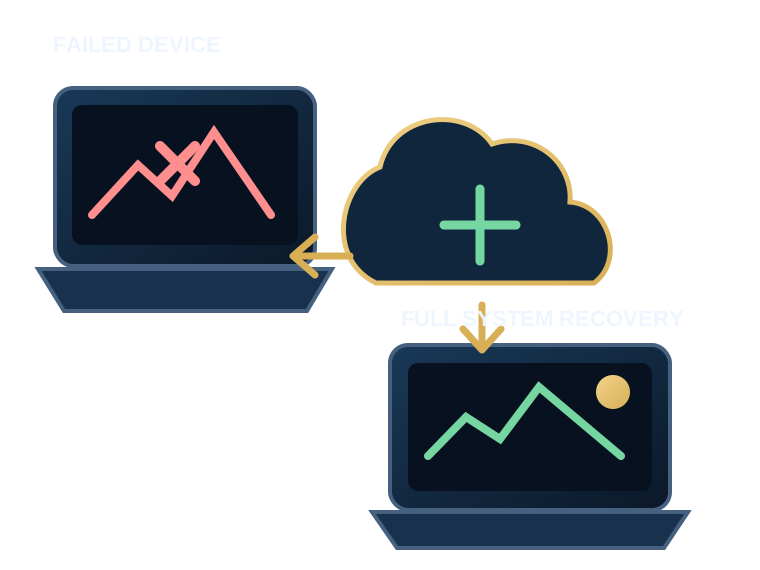
Windows, boot partitions, applications, settings and local data are protected as one environment.
CBackup Image protects the working state of a Windows computer — operating system, applications, settings, local profiles and essential boot partitions — so recovery can restore more than a folder of documents.
How many hours would it take to reinstall Windows, applications, printers, certificates, email and every small setting your work depends on?
CBackup Image prepares for the failure nobody wants to schedule.Windows, boot partitions, applications, settings and local data are protected as one environment.
After the first full image, regular changes are transferred in the background.
When a failure occurs, recovery is guided instead of leaving you with an unexplained download.
| Ordinary cloud | CBackup Image | |
|---|---|---|
| Synchronise selected documents | Yes | Yes |
| Protect Windows and boot partitions | No | Yes |
| Keep installed applications | No | Yes |
| Full recovery after drive replacement | No | Yes |
| Ongoing technical oversight | Rarely | Included |
We check used storage, upload speed and which partitions should actually be protected.
A prepared CBackup client is installed once with administrator rights.
The first encrypted backup runs in the background. Duration depends on upload speed.
We monitor status, storage use and backup regularity.
The main factors are used storage and upload speed. On a slow connection, the first image may take several nights. Follow-up backups are normally much smaller.
Not necessarily. The amount of used data on protected partitions matters most. A 1 TB drive with 180 GB in use does not automatically require 1 TB of backup space.
Games that can be downloaded again and large media archives are best kept on a separate, unprotected partition. This keeps the system image efficient.
The core service is full-system recovery. Additional file-level recovery may be available depending on the selected configuration.
We verify the available image and plan recovery to a new drive or suitable replacement hardware.
Send us the drive capacity, used storage and an upload-speed result. We will recommend a plan and assess where the first image should be created.